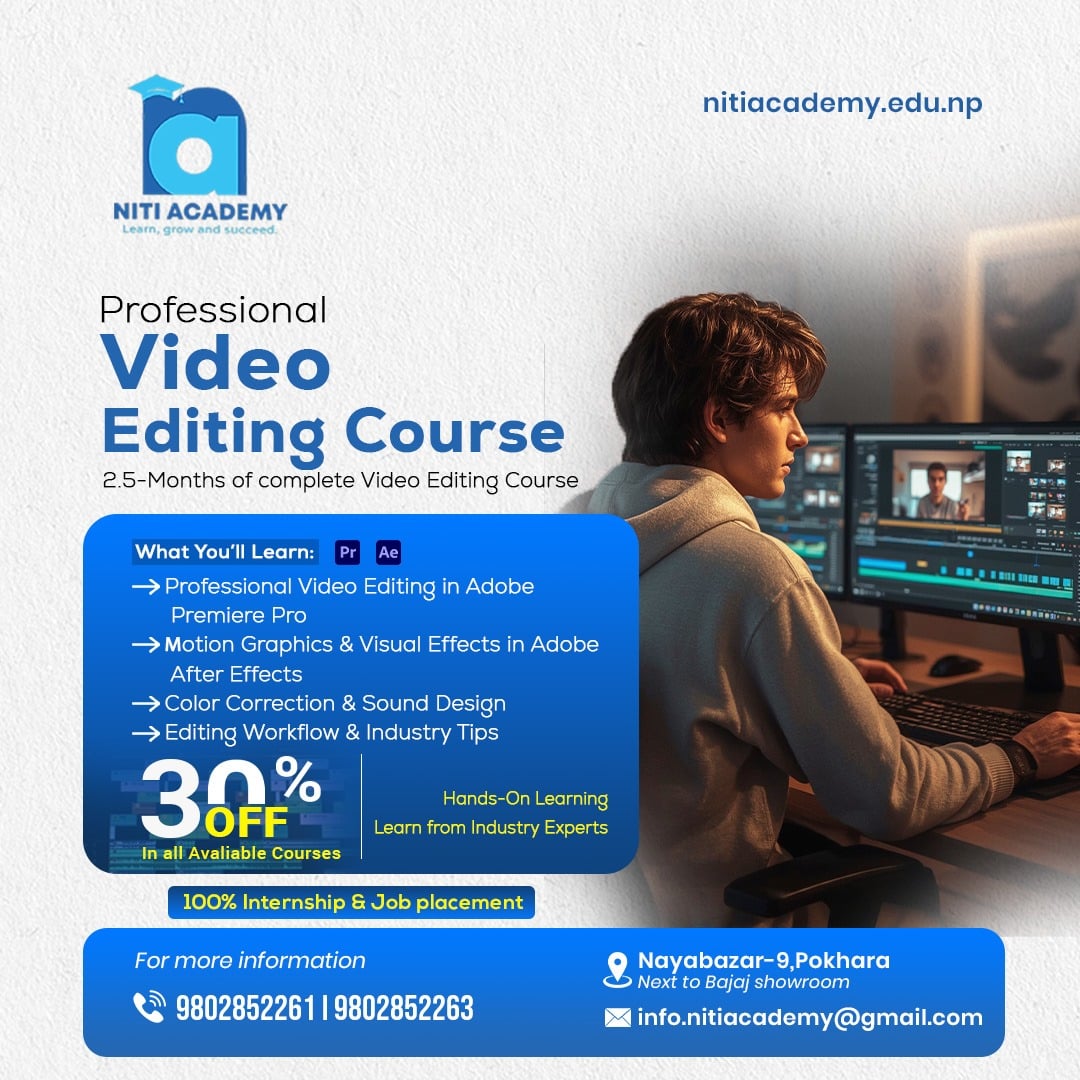
Kickstart your video editing career with this complete Video Editing Course in Pokhara from beginner-to-advanced course. You will learn how to edit professional videos using modern tools, create smooth transitions, add effects, work with audio, color-grade footage, create reels/shorts, and produce high-quality videos for clients and social media. Niti Academy.
This course is designed for students, beginners, content creators, freelancers, and anyone who wants to build a strong career in video editing. No prior experience needed.
Video Editing Course in Pokhara From Beginner to Advanced Module
Dive into our structured Video Editing curriculum designed to give you hands-on skills, industry-relevant knowledge, and practical experience for a successful career in digital marketing.
In the first week, students are introduced to the world of video editing and digital storytelling. They learn what video editing is, how different types of videos are produced, and why editing plays a crucial role in the final output. Students explore frame rates, resolutions, codecs, and file formats to understand how professional editors organize their footage. They also install their editing software (Adobe Premiere Pro, DaVinci Resolve, or CapCut Desktop) and become comfortable navigating the interface, timeline, tools, and workspace layout. By the end of the week, students are confident with the basics of the editing environment.
During this week, students begin practicing essential editing techniques. They learn how to import footage, organize project files, and manage media efficiently. They practice trimming clips, cutting videos, adjusting timing, working with multiple tracks, and placing clips on the timeline to create a smooth sequence. Students explore basic transitions and simple effects to enhance video flow. By completing small practice projects, they start understanding pacing, rhythm, and the structure of a clean, basic edit.
This week focuses entirely on audio—one of the most important aspects of professional video production. Students learn to clean background noise, balance audio levels, sync audio from external devices, and apply EQ and compression. They experiment with adding background music, sound effects, and voiceovers while following proper copyright rules. By the end of this week, students understand how to make a video sound clear, crisp, and engaging through proper sound design techniques.
In week four, students are introduced to motion graphics and basic animation principles. They learn how to create titles, lower thirds, captions, and stylish text animations using keyframes. Students also design professional-looking intro and outro sequences, apply smooth transitions, and enhance their videos with modern graphic elements. This week helps them create visually appealing content suitable for YouTube, social media, and client projects.
This week teaches students how to work with color professionally. They begin with color correction, learning to fix exposure, contrast, white balance, highlights, and shadows. Then they move into color grading where they learn how to create cinematic looks, apply LUTs, adjust hues, and match colors between clips. By the end of the week, students can transform raw footage into visually stunning videos with consistent and polished color.
Students now focus on creating content specifically for platforms such as TikTok, YouTube Shorts, Instagram Reels, and Facebook. They learn different aspect ratios, timing techniques, and export formats for each platform. They practice trendy editing styles like speed ramping, slow-motion, zoom transitions, and fast-paced cuts. By the end of this week, students can create professional-quality short-form videos optimized for maximum engagement.
This week dives deeper into high-level editing skills. Students work on multicam editing, advanced masking, green screen keying, stabilization, object tracking, and advanced keyframing techniques. They also learn how to create professional transitions and dynamic motion effects used in commercial and cinematic editing. By the end of this week, students can handle more complex projects with confidence.
In week eight, students learn the art of storytelling and how to structure a video from beginning to end. They explore pacing, emotional flow, sound-driven edits, and creative cut techniques. Students practice turning raw footage into meaningful stories—whether it’s a vlog, short film, documentary scene, or commercial ad. They also learn to plan projects, organize shot lists, and approach editing with a clear creative vision.
This week is dedicated to real-world project execution. Students choose a project type—such as a music video, cinematic travel edit, short documentary, vlog, promotional advertisement, or a YouTube video—and edit it from start to finish. They apply all techniques learned: cutting, audio mixing, color grading, graphics, and transitions. They also learn how to handle revisions, client feedback, and professional-quality exports.
In the final week, students prepare for real-world opportunities. They learn how to build a professional portfolio, create a showreel, and set up profiles on platforms like Fiverr, Upwork, and social media. They study pricing, client communication, contracts, deliverables, and workflow strategies used by successful editors. This week also includes guidance on becoming job-ready, building confidence, and entering the world of freelance video editing or production studios.
Why Choose Niti Academy for Video Editing Course From Beginner to Advanced
Experience premium IT education with hands-on learning, expert guidance, and career-focused training.
Industry-Relevant Curriculum
Learn from a curriculum aligned with current digital marketing trends and employer needs.
Hands-On Projects
Work on real campaigns and live projects to gain practical experience.
Expert Mentors
Learn directly from professionals with years of real-world experience.
Freelancing Guidance
Get step-by-step mentoring on freelancing and handling real clients.
Internship & Placement
Access internship opportunities and career support for job placements.
1-on-1 Mentorship
Receive personalized guidance to ensure your career growth and success.
What You Will Learn on Video Editing Course From Beginner to Advanced