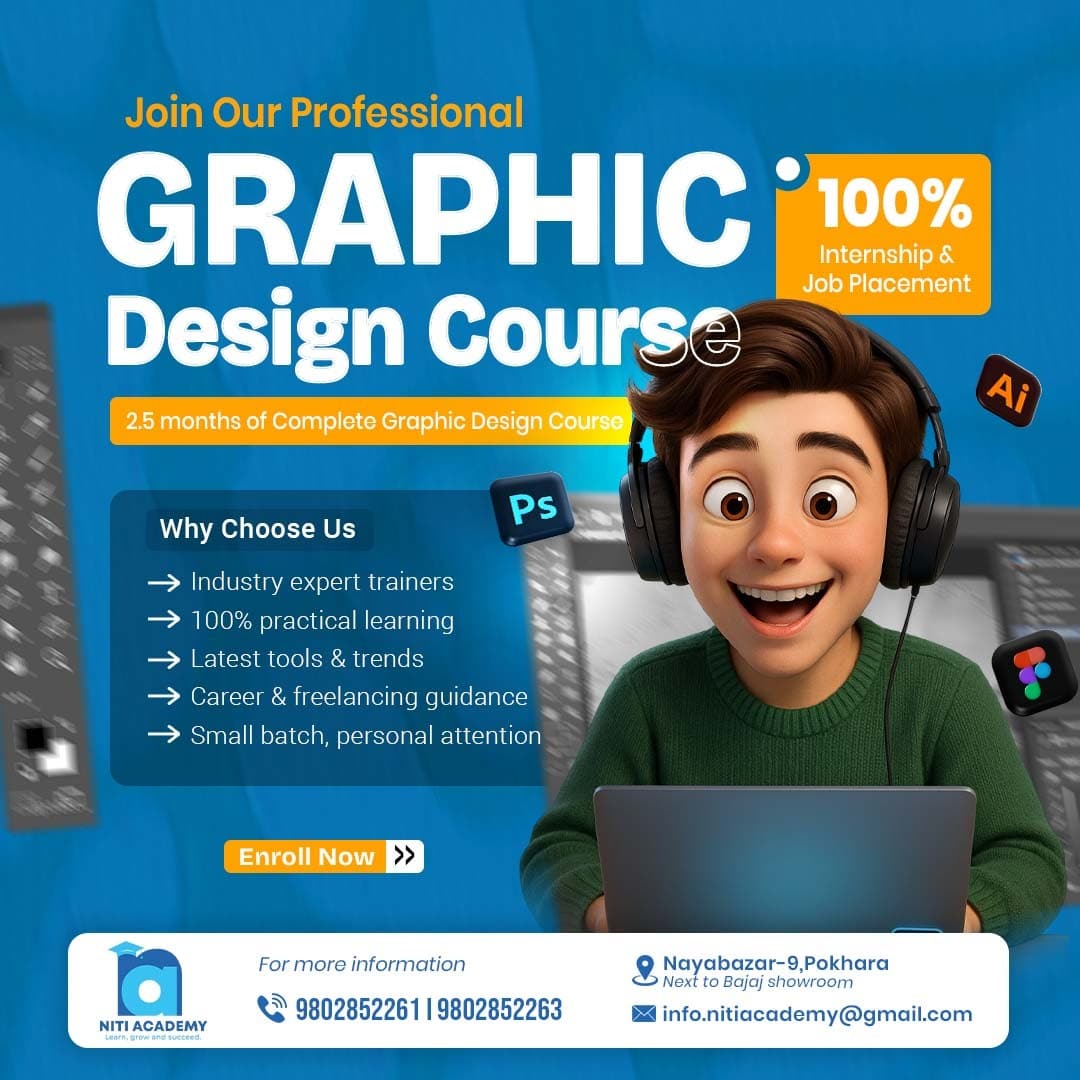
Kickstart your graphic designing career with this complete Graphics Designing Course in Pokhara from beginner-to-advanced course. You will learn how to create professional designs using modern tools, understand design principles, work with typography, create visual compositions, design social media posts, posters, logos, and branding materials, and develop a strong creative workflow.Niti Academy.
This course is designed for students, beginners, content creators, freelancers, and anyone who wants to build a successful career in graphic design. No prior experience is required, as everything is taught from the basics.
Graphics Designing Course in Pokhara From Beginner to Advanced
Dive into our structured Graphic Designing curriculum designed to give you hands-on skills, industry-relevant knowledge, and practical experience for a successful career in digital marketing.
Students will learn the fundamentals of graphic design, including design elements, principles, colors, and typography. They will start using Photoshop, exploring its workspace, tools like selection, crop, transform, brush, and gradient tools, to get comfortable with creating and editing designs.
Students will dive deeper into Photoshop by learning about layers, masks, text, shapes, blending modes, and smart objects. They will practice combining these features to create basic posters and social media designs.
Students focus on enhancing photos by using retouching tools like healing, patch, clone stamp, dodge & burn, and adjustment layers. They learn to correct colors, exposure, and make professional-quality edits for beauty or background changes.
Students learn layout, composition, and design rules for posters, social media posts, and advertisements. They practice using grids, guides, creative effects, and mockups to present their designs professionally.
Students explore advanced techniques like double exposure, dispersion effect, photo manipulation, cinematic color grading, and creating ad campaigns. They also learn to export designs correctly for print and web, completing a final Photoshop project.
Students learn Illustrator basics including shapes, pen tool, color, typography, and creating icons. They move on to logo design, branding, and mockups, then advanced techniques like gradient mesh, pattern making, and print layouts. By the end, they complete Illustrator projects like logos, business cards, and final vector illustrations.
Students get introduced to Figma, learning frames, grids, auto layout, components, and UI elements. They practice designing website layouts, landing pages, and mobile app screens, adding prototyping and animations to make interactive designs. They also focus on responsive design for different devices.
Students select their own project, work on it while applying all the Photoshop, Illustrator, and Figma skills learned. They finalize designs, create mockups, and present their portfolio, showcasing their overall learning and creativity.
Why Choose Niti Academy for Graphics Designing Course From Beginner to Advanced
Experience premium IT education with hands-on learning, expert guidance, and career-focused training.
Industry-Relevant Curriculum
Learn from a curriculum aligned with current digital marketing trends and employer needs.
Hands-On Projects
Work on real campaigns and live projects to gain practical experience.
Expert Mentors
Learn directly from professionals with years of real-world experience.
Freelancing Guidance
Get step-by-step mentoring on freelancing and handling real clients.
Internship & Placement
Access internship opportunities and career support for job placements.
1-on-1 Mentorship
Receive personalized guidance to ensure your career growth and success.
What You Will Learn in Graphics Designing Course From Beginner to Advanced